Rancher Desktop
· originally published on Medium
Rancher Desktop is a free, open-source desktop app that helps developers run containers and Kubernetes locally on their laptops (macOS, Windows, or Linux).
Think of it as a lightweight replacement for Docker Desktop, especially useful for teams working with Kubernetes and cloud-native apps. It lets you develop and test applications in an environment that closely matches production Kubernetes clusters — all without needing complex setups or paying for licenses.
It’s built and maintained by SUSE (the company behind Rancher Kubernetes management tools).
Main Goal: Make local development easy for containerized apps and Kubernetes workloads.
#Why Use Rancher Desktop?
- Free and Open-Source: No licensing issues like with Docker Desktop.
- Local Kubernetes Cluster: Quickly start a full Kubernetes environment on your machine.
- Container Tools Included: Build, run, and manage containers just like with Docker.
- Cross-Platform: Works the same on Mac, Windows, and Linux.
- Lightweight: Uses efficient components (no heavy virtual machines in most cases).
- Great for Teams: Standardizes local dev setup for Kubernetes projects.
#Key Features (Simplified)
1. Container Management:
- Build container images (build), run containers (run), push/pull to registries.
- Supports popular tools like Docker Compose, nerdctl, and more.
2. Kubernetes Support:
- Runs a local cluster using k3s (a lightweight Kubernetes distribution).
- You can choose Kubernetes versions and easily reset the cluster.
- Use kubectl, Helm, and other standard K8s tools directly.
3. GUI + CLI:
- Simple graphical interface to manage everything (images, containers, Kubernetes).
- Command-line access for advanced users.
4. Other Tools:
- Integrates with VS Code, Tilt, and other dev tools.
- Supports WebAssembly (experimental in some versions).
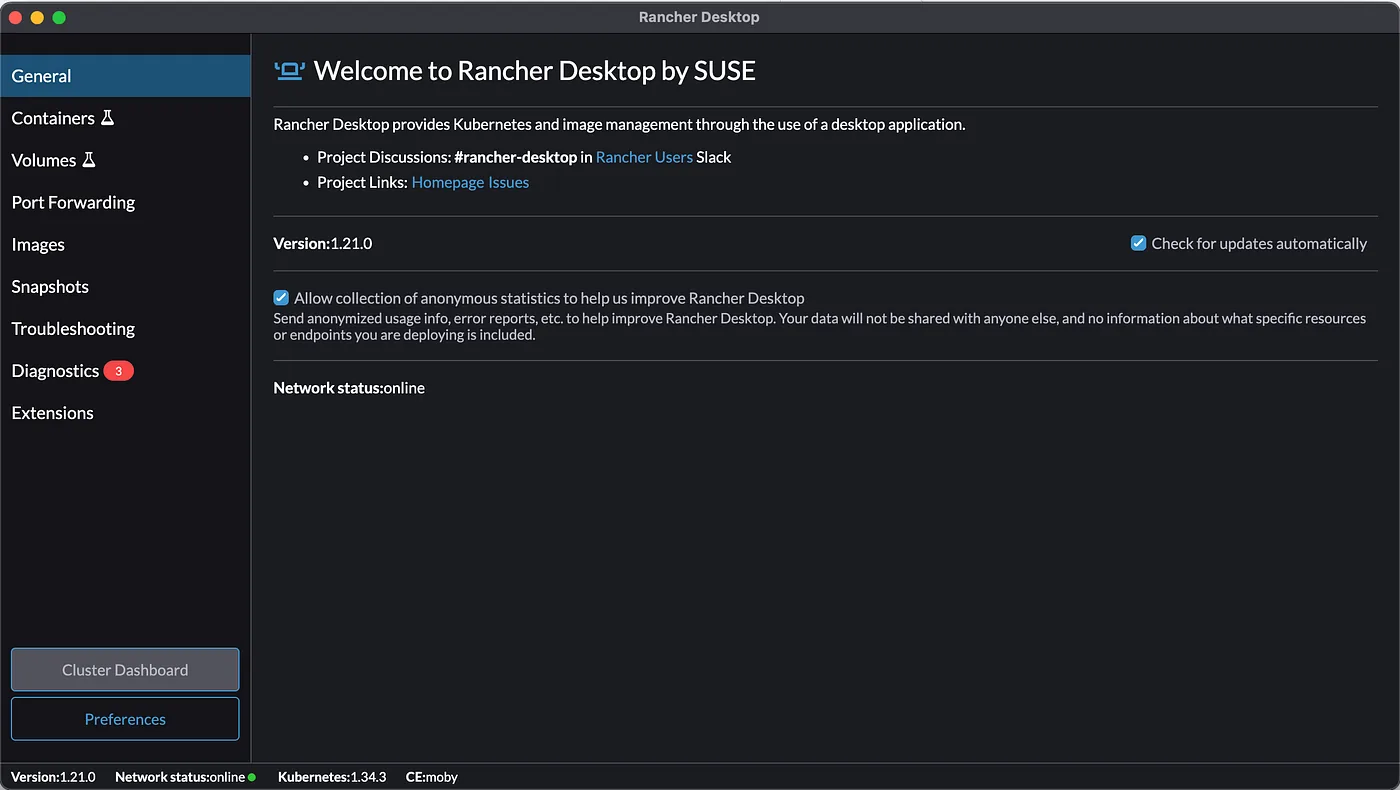
#How It Works (High-Level Architecture)
Rancher Desktop runs:
- A container runtime (your choice of dockerd or containerd).
- A local Kubernetes cluster (k3s).
- Supporting tools like networking and storage.
Everything runs efficiently on your machine — often using host resources directly (especially on Linux).
#Getting Started
- Download from the official GitHub releases: https://github.com/rancher-sandbox/rancher-desktop/releases
- Install and launch the app.
- Choose your container runtime and Kubernetes settings.
- Start building/running containers or deploying to the local cluster!
#Common Use Cases for Our Team
- Testing microservices locally.
- Developing Kubernetes manifests (deployments, services, etc.).
- Running CI-like tests on your laptop.
- Learning Kubernetes without cloud costs.
You can learn more about it from here: https://rancherdesktop.io/
Documentation available for starters here: https://docs.rancherdesktop.io/
Thanks! Hope you guys enjoyed the simple write up and learn something new today.